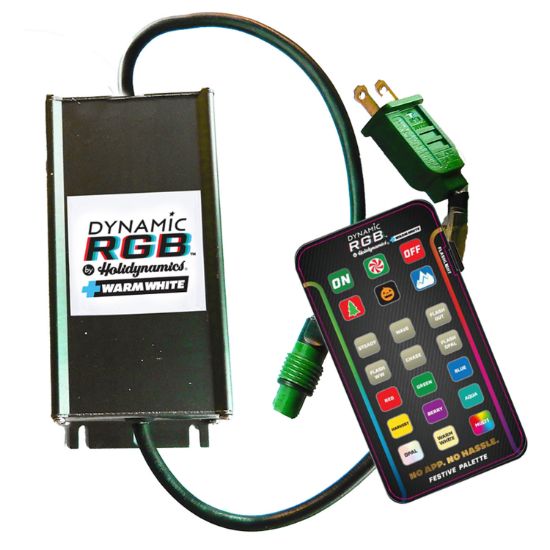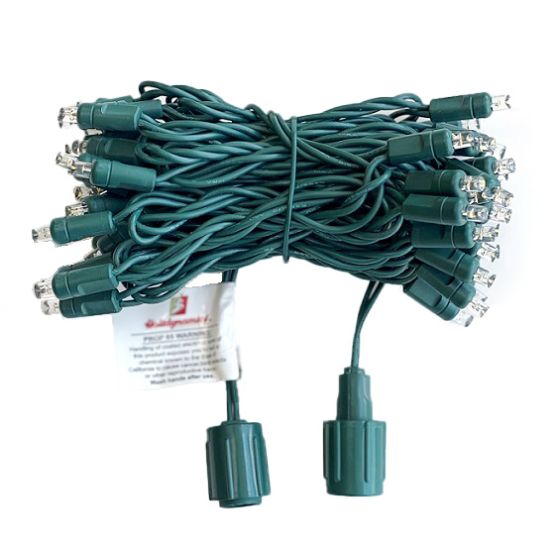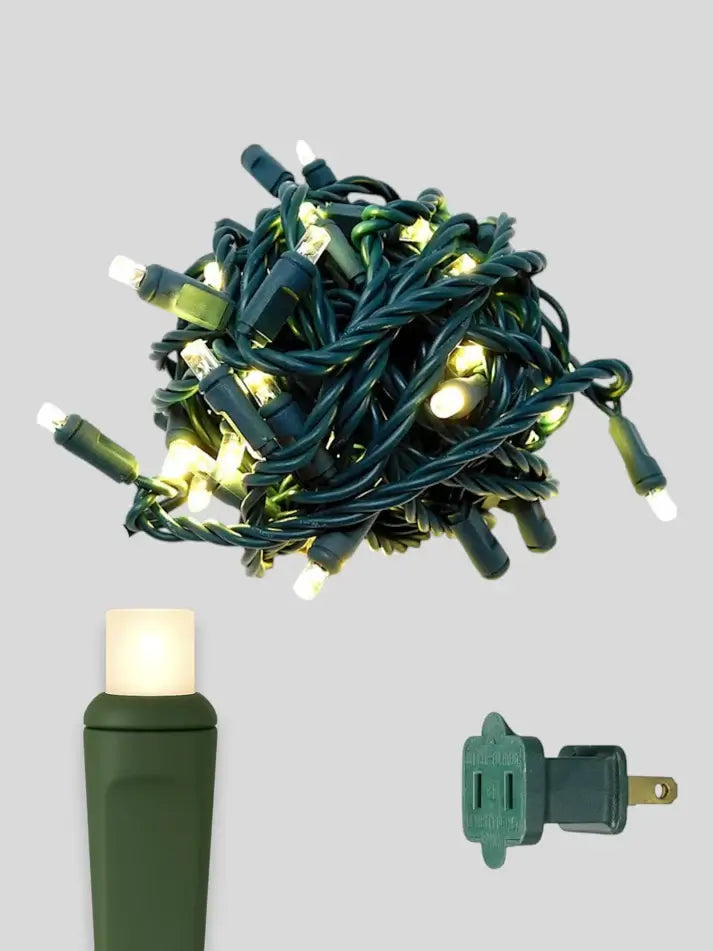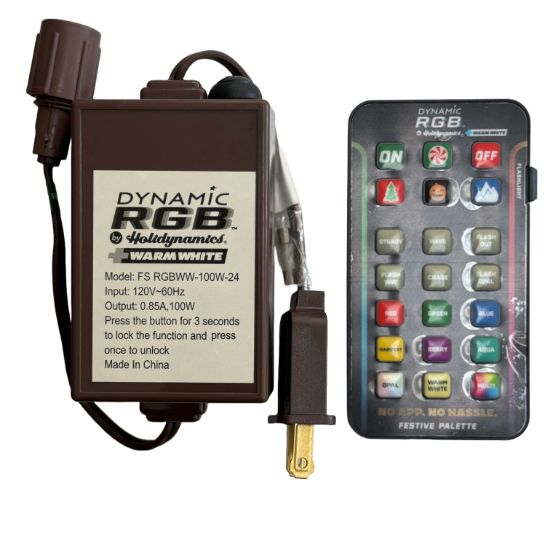
Size and map a smaller dynamic display only after confirming the compatible lights, accessories, branches, and service location. This daily contractor guide uses the Dynamic RGB 100w Residential Controller as the product example, while keeping the recommendation tied to the real job conditions.
A product link is not a substitute for a field plan. Before ordering, compare the live listing with the measurement, surface, lighting family, power plan, color choice, required accessories, installation method, service access, removal plan, and storage method. For the broader buying framework, review this commercial Christmas-light planning guide.
What the product page establishes
The live catalog identifies this item as Accessories from Holidynamics. Listed option names include Single Controller, Case of 50. Select and record the exact option rather than relying on a shortened crew description. Product details and ordering status can change, so the live page and manufacturer instructions remain the authority at the time of purchase.
Why this decision matters on the job
Size and map a smaller dynamic display only after confirming the compatible lights, accessories, branches, and service location. The decision affects purchasing, crew staging, installation time, visual consistency, troubleshooting, replacement stock, and what the customer sees. Write the selected product and its purpose into the estimate instead of leaving the crew to infer it from a generic material name.
Dynamic and coaxial products must be treated as parts of a defined system. Match connector family, controller, direction, extensions, splitters, lights, power limits, and the manufacturer’s instructions. A connector that looks similar is not enough evidence of compatibility.
Contractor planning checklist
- Measure the exact elevation, route, feature, or coverage area.
- Confirm product family, option, color, spacing, connector, and surface compatibility.
- List every required accessory, transition, termination, control, and mounting piece.
- Plan safe power, clearances, weather exposure, and accessible service points.
- Stage matching service stock and label it to the same job and zone.
- Photograph the approved result and save field changes for removal and next season.
A repeatable field workflow
Measure first, draw the route or elevation, name each zone, and write down the system family before building the cart. Then stage the primary product beside every required accessory. This sequence exposes missing transitions, attachment pieces, terminations, controls, or service stock while changes are still inexpensive.
Build the complete job, not one line item
The estimate should identify the exact Dynamic 100W controller, quantity or measured coverage, selected option, compatible lights or wire, attachments, plugs or extensions, controls when required, installation labor, testing, service stock, removal, and storage. Keep SPT-1 and SPT-2 cord systems separate. For dynamic products, keep controller and connector families separate as well. If a condition changes on site, update the documented design before substituting materials.
Teach the decision, not just the part number
Use the article and job record as a short training tool. A crew member should be able to explain why the selected product fits this project, what it must connect or attach to, which options cannot be mixed, how the installed zone will be tested, and what information a future service technician will need. That same decision trail gives Santa AI a grounded answer instead of a generic product suggestion.
Santa's Contractor Take
Santa’s take: Dynamic 100W controller belongs on the order only after the measurements and system map explain why it is there. The strongest purchasing habit is to build the complete job, not a pile of individually useful parts. That reduces field improvisation and gives the crew a clear installation story.
Questions contractors ask
Is Dynamic 100W controller the right choice for every project?
No. Start with the project type, measured area, surface, visual goal, existing system, power conditions, and service plan. Use the product only when those facts match the live listing and manufacturer guidance.
What should be written on the estimate?
Record the exact product and option, where it will be used, measured quantity, related components, color or spacing when relevant, labor scope, testing, service stock, removal, and storage. A generic description makes purchasing and repairs harder.
What should Santa AI ask before recommending this product?
Santa AI should ask what the contractor is building, the surface or feature involved, measurements, bulb or connector family, desired color and effect, existing compatible equipment, installation timing, and whether service and removal are included. Santa AI should guide and explain; the live Shopify catalog remains product truth.
Verify the current product before ordering
Review the exact option, specifications, included components, compatibility notes, manufacturer instructions, and current ordering details on the live listing. Avoid unapproved substitutions and do not promise performance, availability, price, or delivery from an older article.
Review Dynamic RGB 100w Residential Controller product details and options.